01 / SELECT
Find your keepers
Import local copies from permitted Photos assets or open an authorized folder. Combine color, rating, RAW, edited and selected-only filters. Search filenames and IPTC.
 Framivolt
FRAMIVOLT / IPHONE + IPAD
Browse, rate, make essential edits and prepare captions on iPhone and iPad.
Screenshots use sample photos.
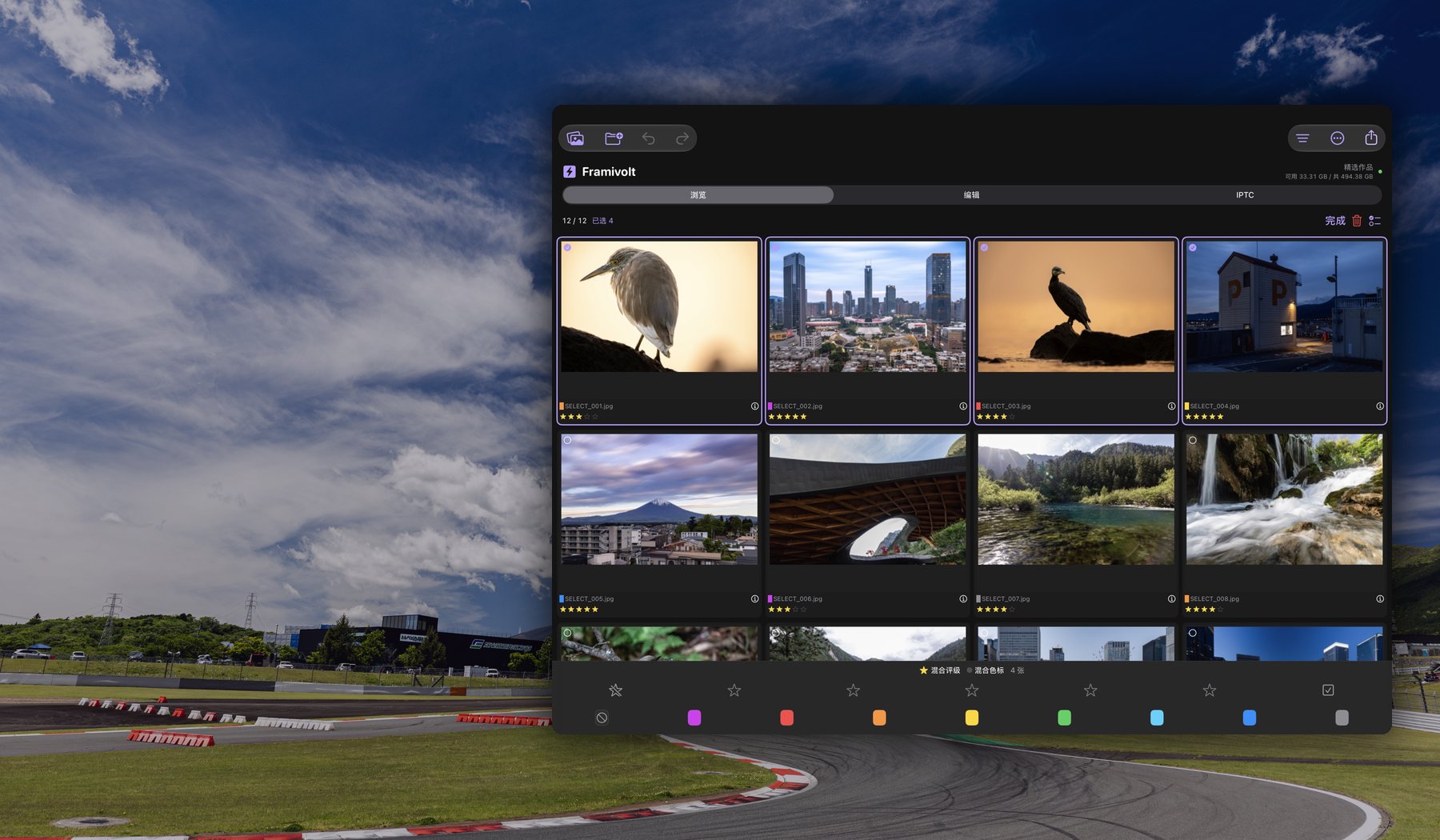
Import permitted Photos originals as local copies, or open authorized folders. Colors and ratings show immediately, with batch marking for selections.
Open full-size screenshot01 / SELECT
Import local copies from permitted Photos assets or open an authorized folder. Combine color, rating, RAW, edited and selected-only filters. Search filenames and IPTC.
02 / EDIT
Exposure, white balance, highlights, shadows, color and detail controls. Crop with a grid, rotate and compare before/after. Edits do not overwrite the original.
03 / CAPTION
Edit titles, captions, credits, copyright and location fields. Batch changes update the manually changed fields.
04 / EXPORT
Export photos with XMP or edited JPEG files. Choose long-edge pixels and quality. Readable EXIF and GPS may remain in exported files: review before sharing.
KEYBOARD WORKFLOW
Keyboard controls supplement touch. Shortcut behavior can vary with system settings, input methods and the connected keyboard.