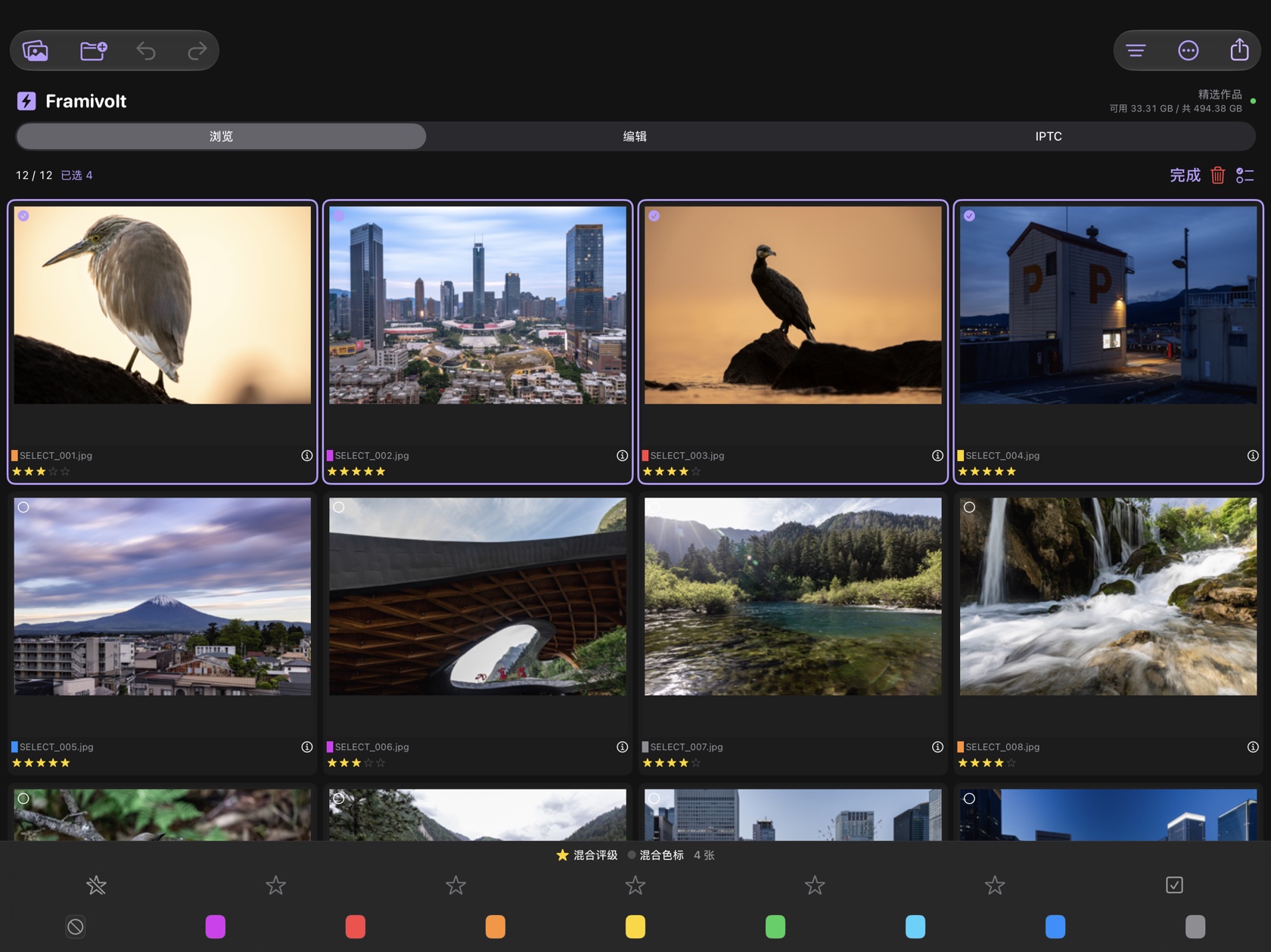
Find the frames worth sending
Open local folders or an authorized memory card. Mark frames with color labels and star ratings, then filter down to the selects.
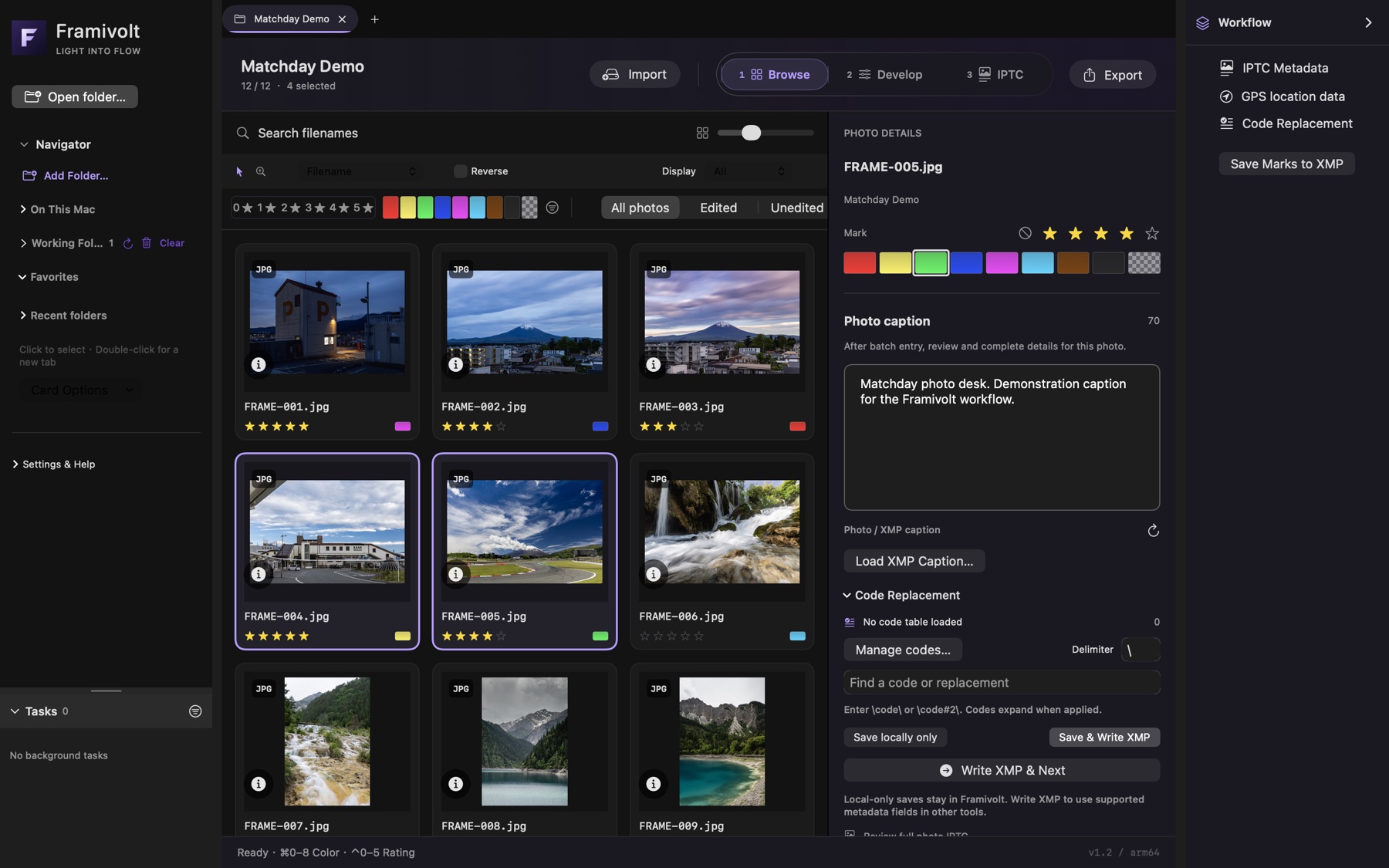
 Framivolt
Cull a burst, make the edit, write the IPTC caption, and export your JPEGs on the device.

Open local folders or an authorized memory card. Mark frames with color labels and star ratings, then filter down to the selects.
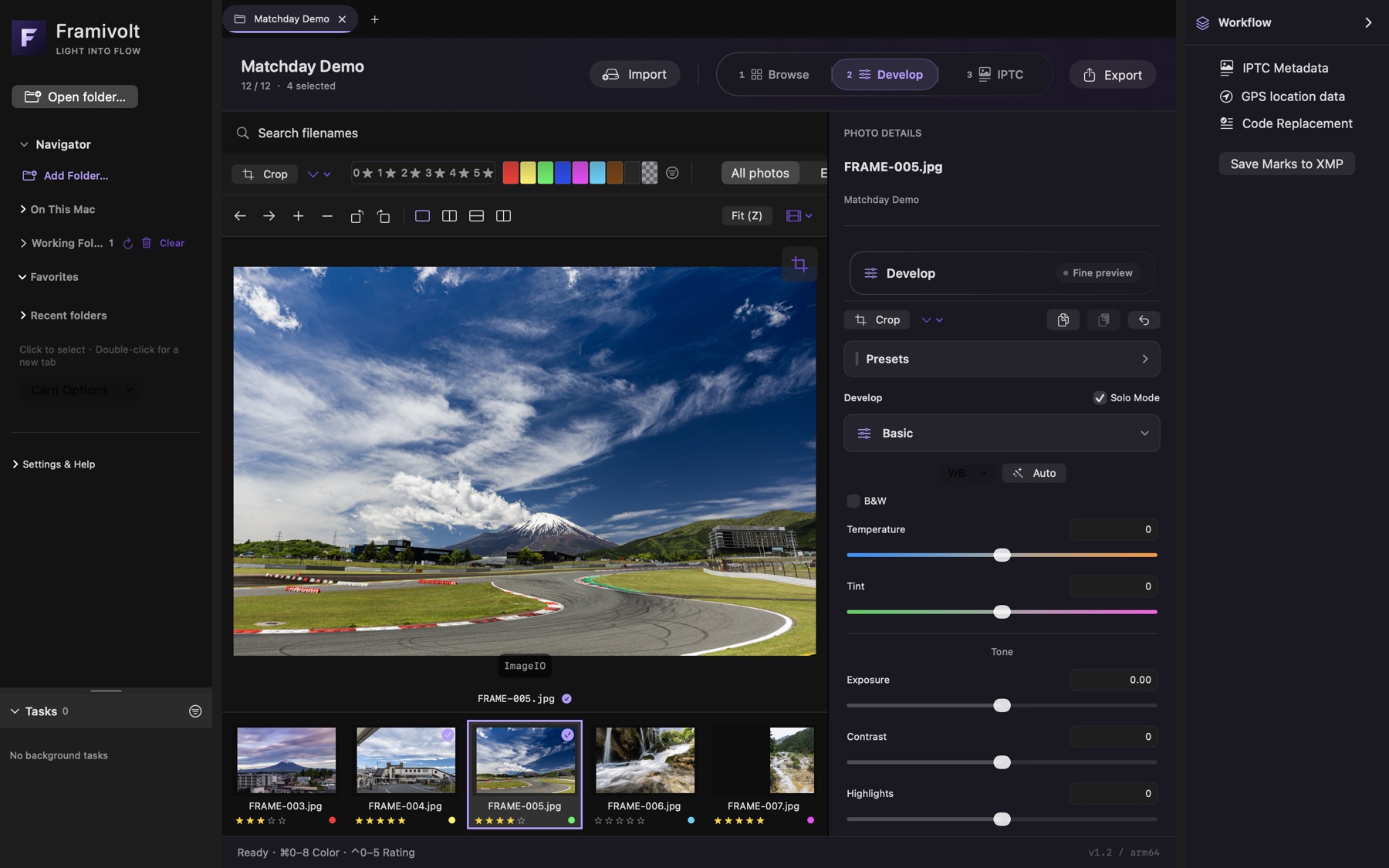
Adjust exposure and white balance on Mac. Use curves, cropping, and before/after comparison to check the result.
Expand recurring text from a local code table, apply checked IPTC fields to a selection, and verify each frame individually. Try code replacement
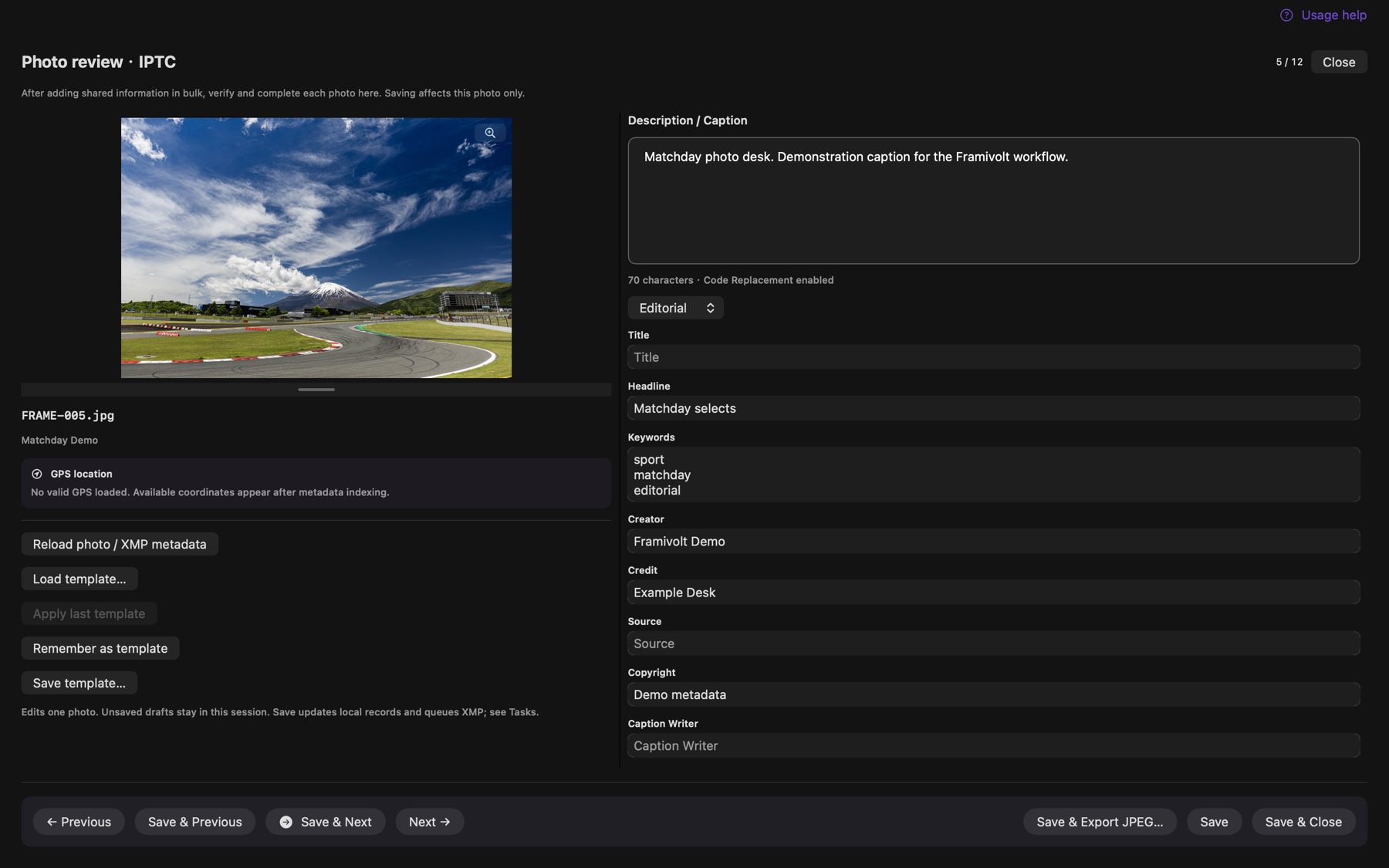
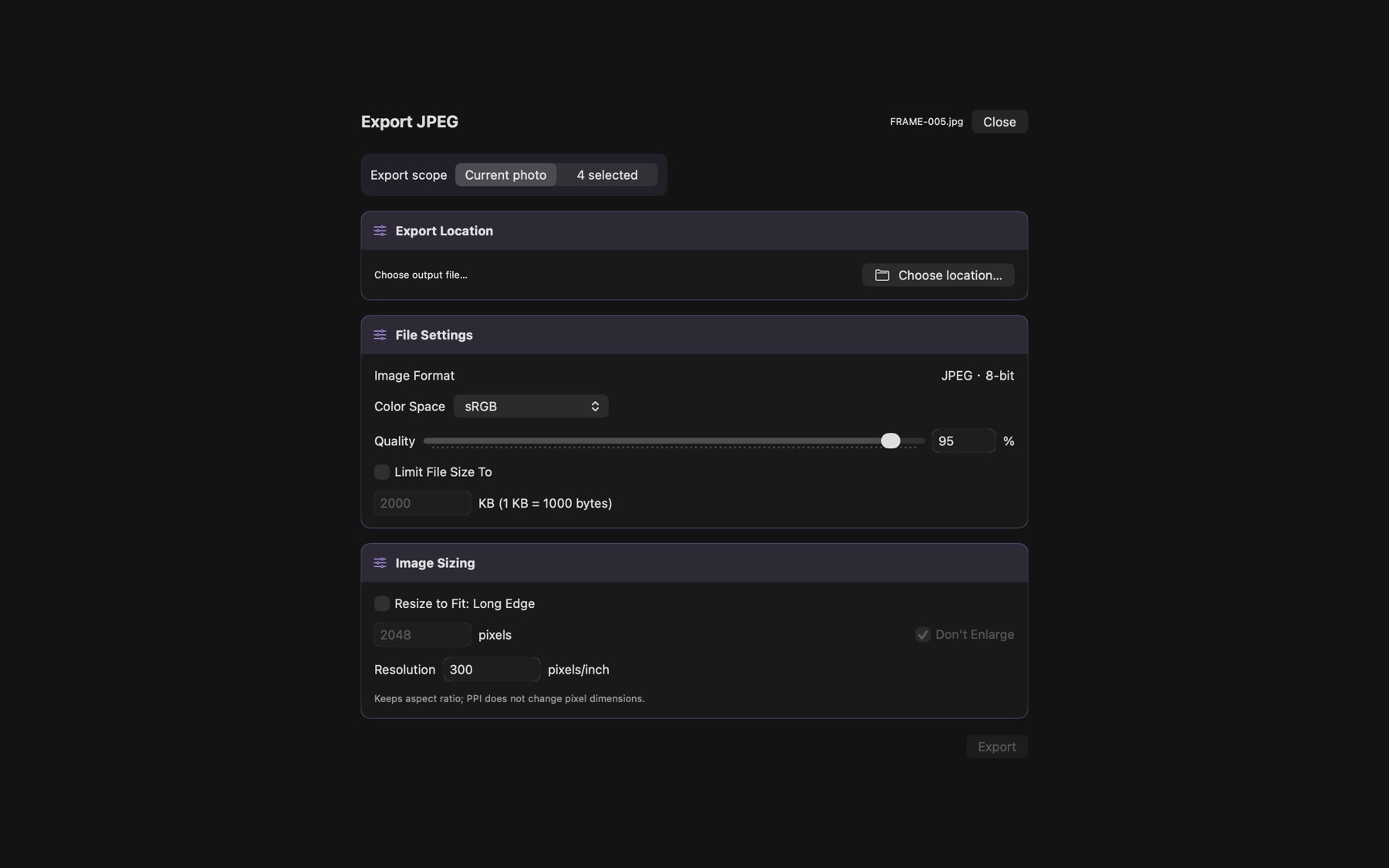
Set quality, long edge, and a file-size limit. Embed IPTC in the exported JPEGs and resume interrupted batches from Tasks.
After stopping a copy import or restarting the app, choose Resume Original Import in Tasks on Mac. If the original card mounts at a different path, reauthorize the same folder to keep the saved numbering and destination.
See the recovery steps
Give a familiar phrase a short code. Pick one from the list or type it yourself to preview the full text.
Wrap each code in backslashes, for example \thanks\ · Multiple codes work together. Unknown codes stay unchanged.
This web example demonstrates short-code replacement. The Mac app supports local code tables for IPTC; the mobile app does not currently include a code-table manager.
Runs in this browser only. No saved input, file access or data transmission.
Select, rate, edit and export on iPhone or iPad. The Mac workflow above includes desktop import recovery.
Explore iPhone and iPad